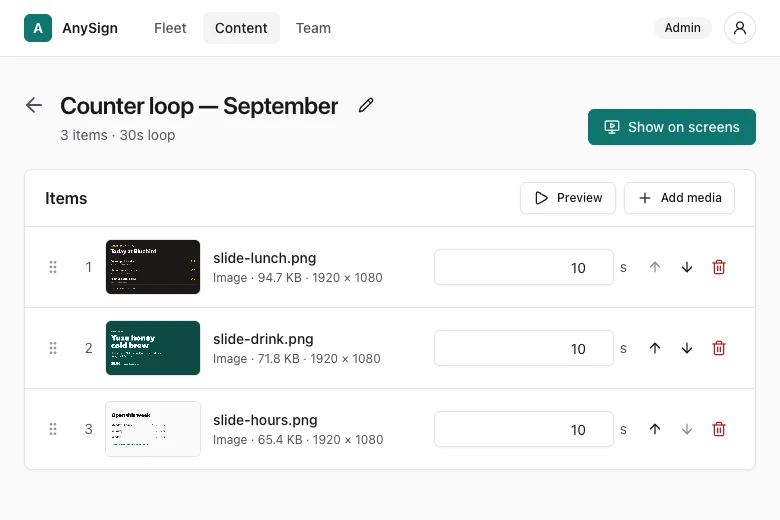
Turn any TV into a sign you run from your phone.
Set up in minutes. Change what every screen shows from wherever you are, and each one reports back every minute with photo proof. Works with the TVs you already have, and runs itself for years.
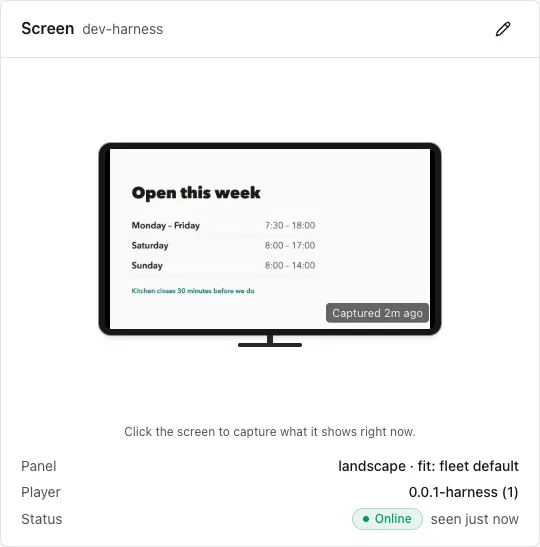
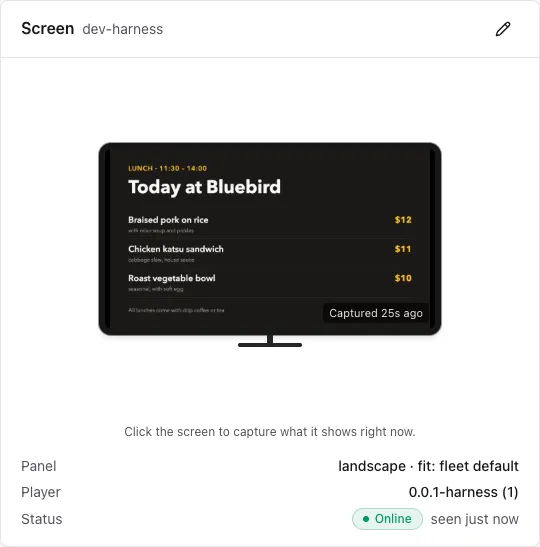
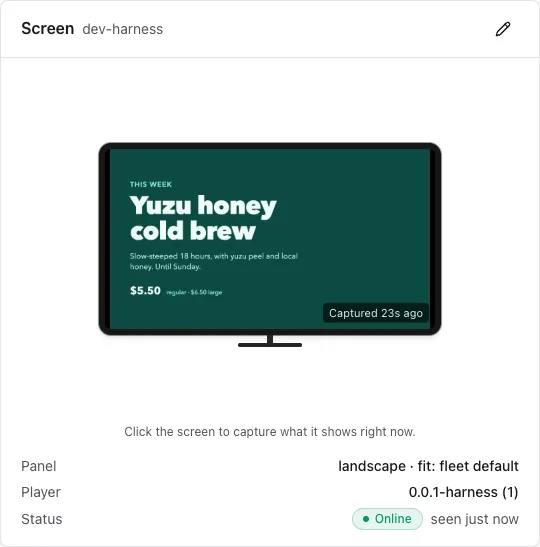
Works with the TV you already have
No installer, no quote, no site visit. Plug in, type a code, and the screen is yours.
See what every screen is showing
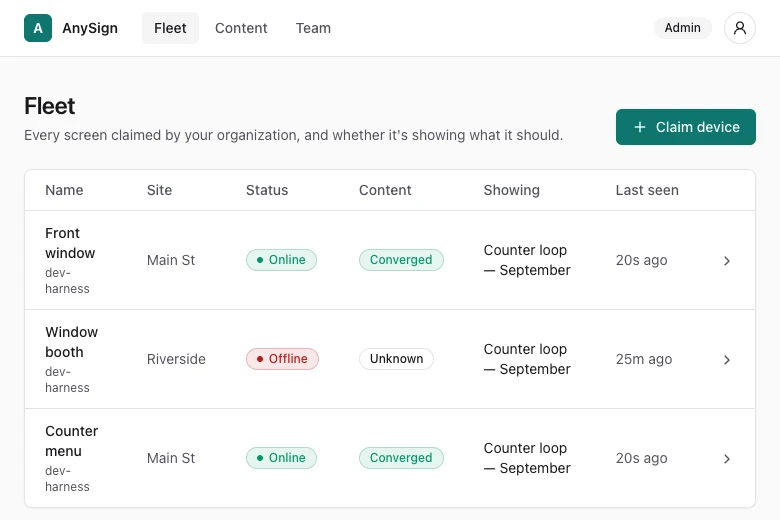
Every screen sends you a photo of what it's showing, every minute. You see it from your desk instead of driving there.
It runs itself
Screens keep playing through outages and catch up on their own. Publish once. That's the job.
What will yours show?
Whatever you'd print and tape up today. It takes a minute to change, from wherever you are.
- Your menu behind the counter, and today's special next to it.
- This week's class schedule by the studio door.
- The screen in your waiting room that tells people what to have ready.
- The offer in your shop window that keeps selling after you close.
- The welcome board in your lobby that's never out of date.
- Friday's event, on every screen in the building at once.
Tuesday, 2 pm. The internet goes down.
Every cloud-run screen has one hard question: what happens when the internet dies? Here's a whole outage, start to finish.
- 14:02:11
The router at the Riverside shop dies
Every screen keeps playing from its own saved copy. Customers still see the menu — no error message, no black screen.
- 14:12:30
Your console flags Riverside unreachable
You know it's the network, not the screens, before anyone at the shop calls.
- 17:26:40
The internet comes back
The screens reconnect on their own and download anything you published while they were out. Nothing to restart, nothing to fix.
Changes reach your screens in about 20 seconds.
Power cuts and crashes put themselves right in seconds.
A week offline never means a black screen.
Up and running in three steps
Plug it in
A small plug goes into the TV's HDMI port. The screen wakes up and shows a short code.
Claim it
Type the code into your console. That screen is now yours — named, sited, visible from anywhere.
Choose what plays
Upload images and video, arrange a playlist, assign it. The screens do the rest.